Visualize daily weather forecast from GFS using Google Earth Engine
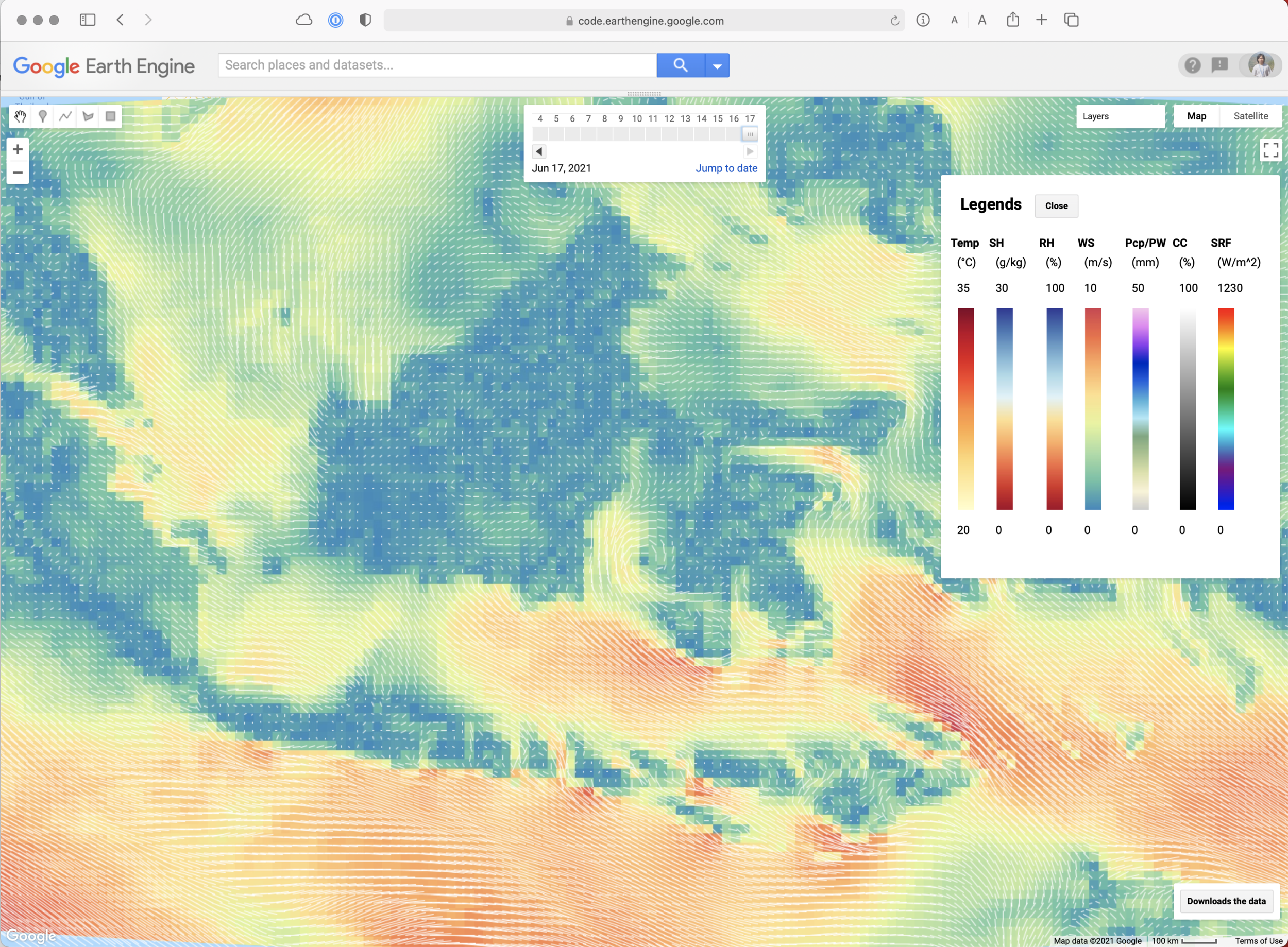
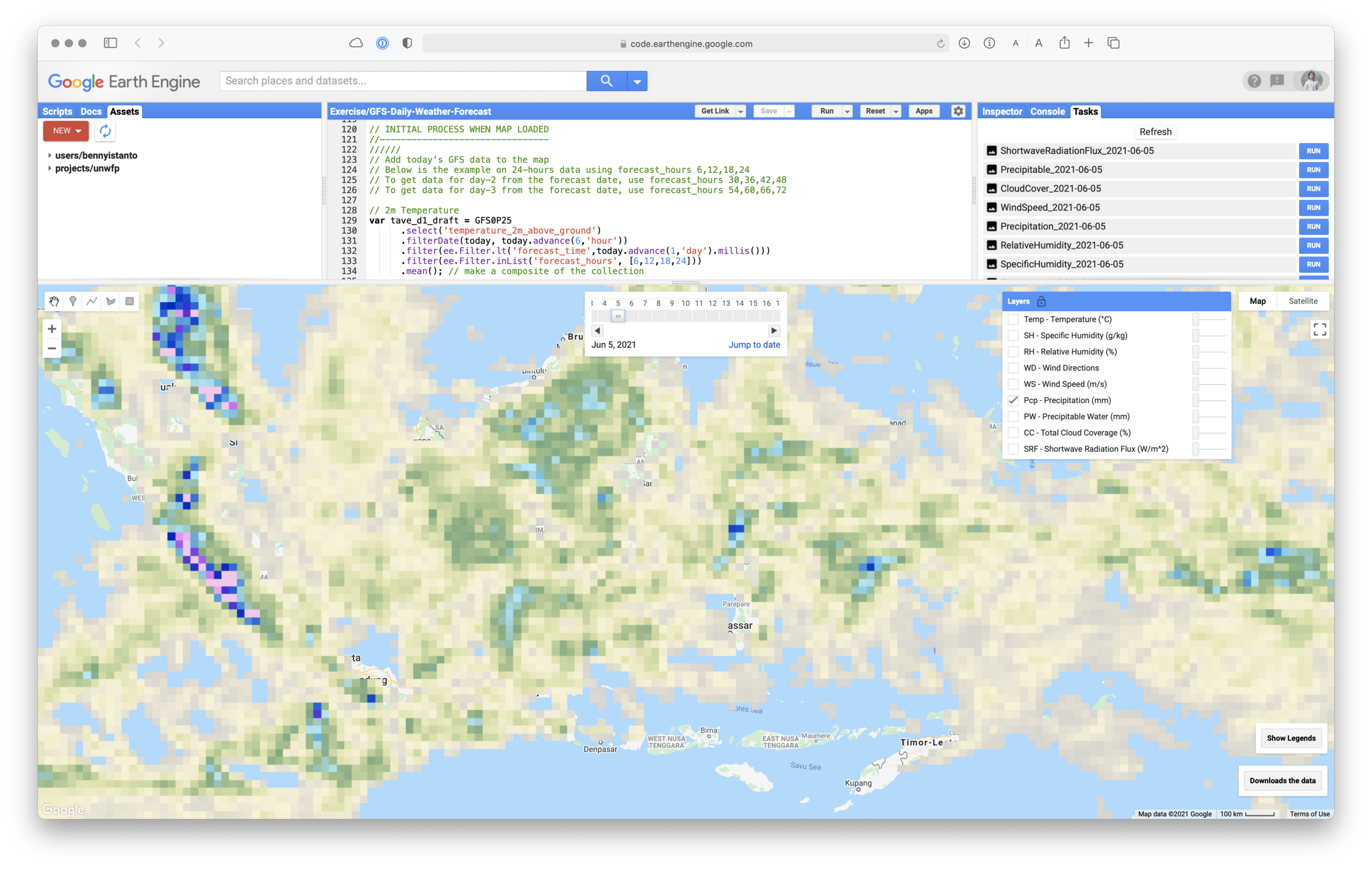
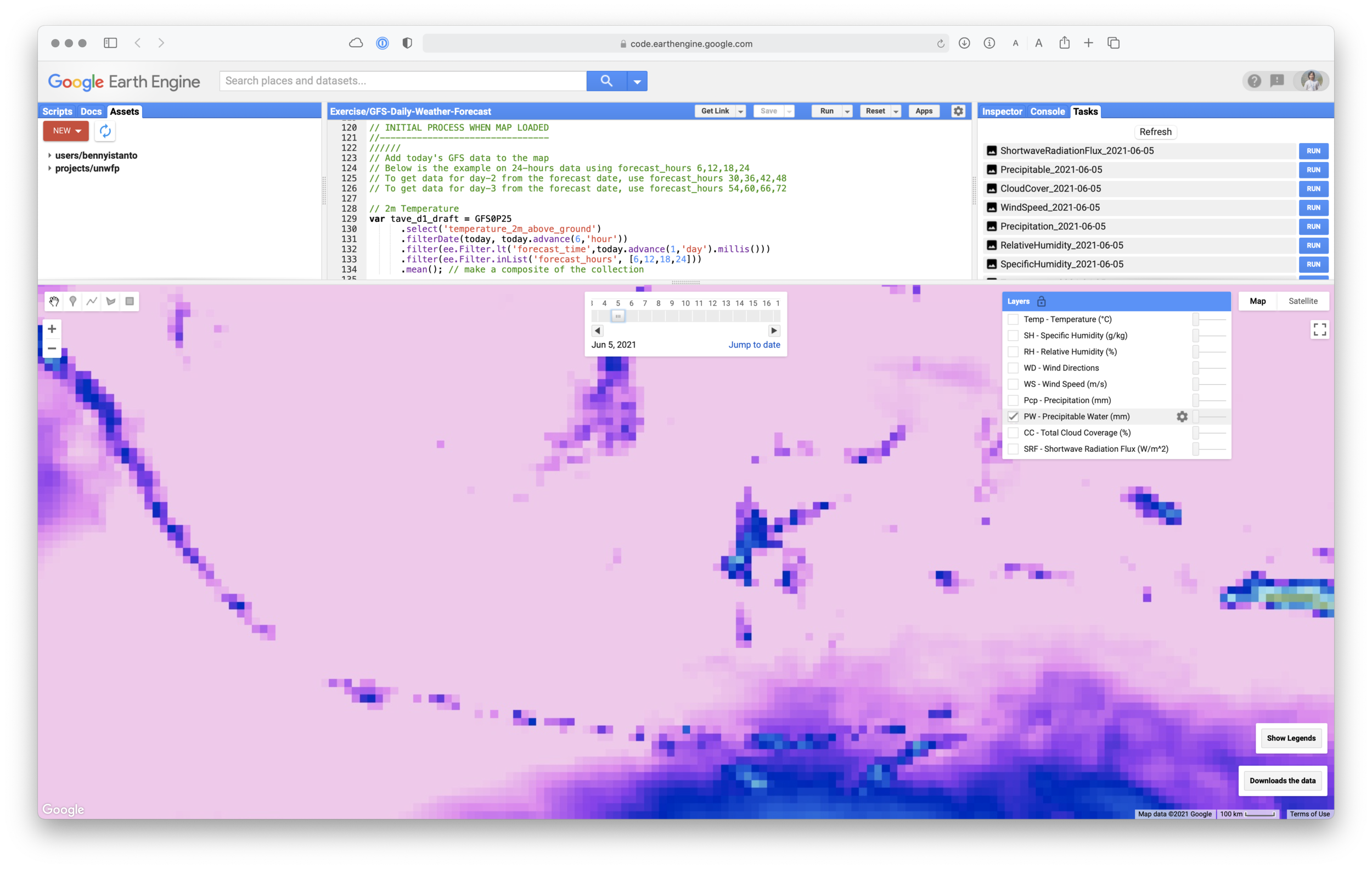
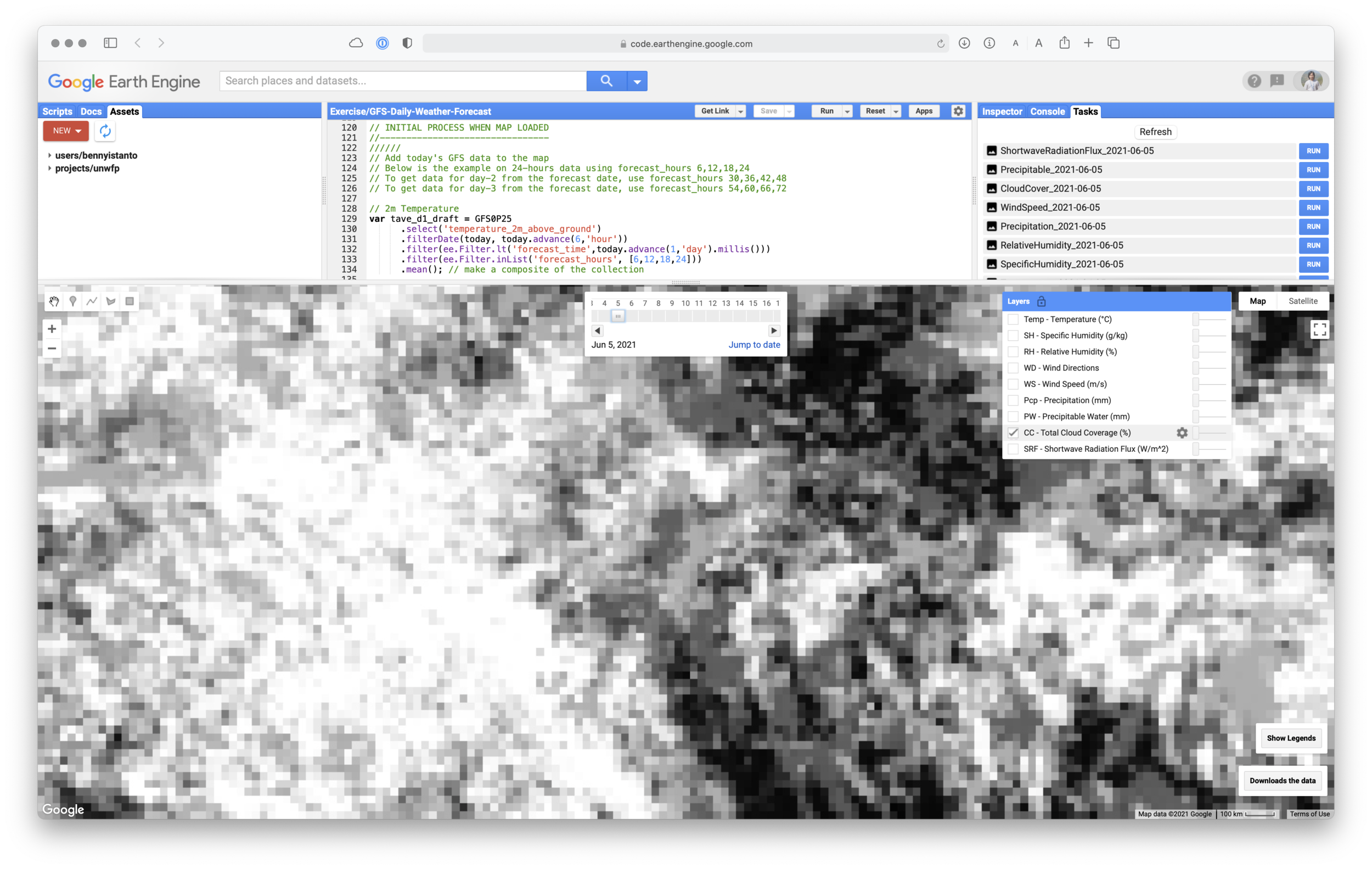
Since few years ago NOAA Global Forecast Data (GFS) available at Google Earth Engine (GEE), which makes it easier to access even though there are only 9 variables out of hundreds available.
Accessing GFS data is tricky, because it can get pretty confusing with the timing. I have discussed it before on access GFS via GRIB filter and getting GFS rainfall forecast using GEE.
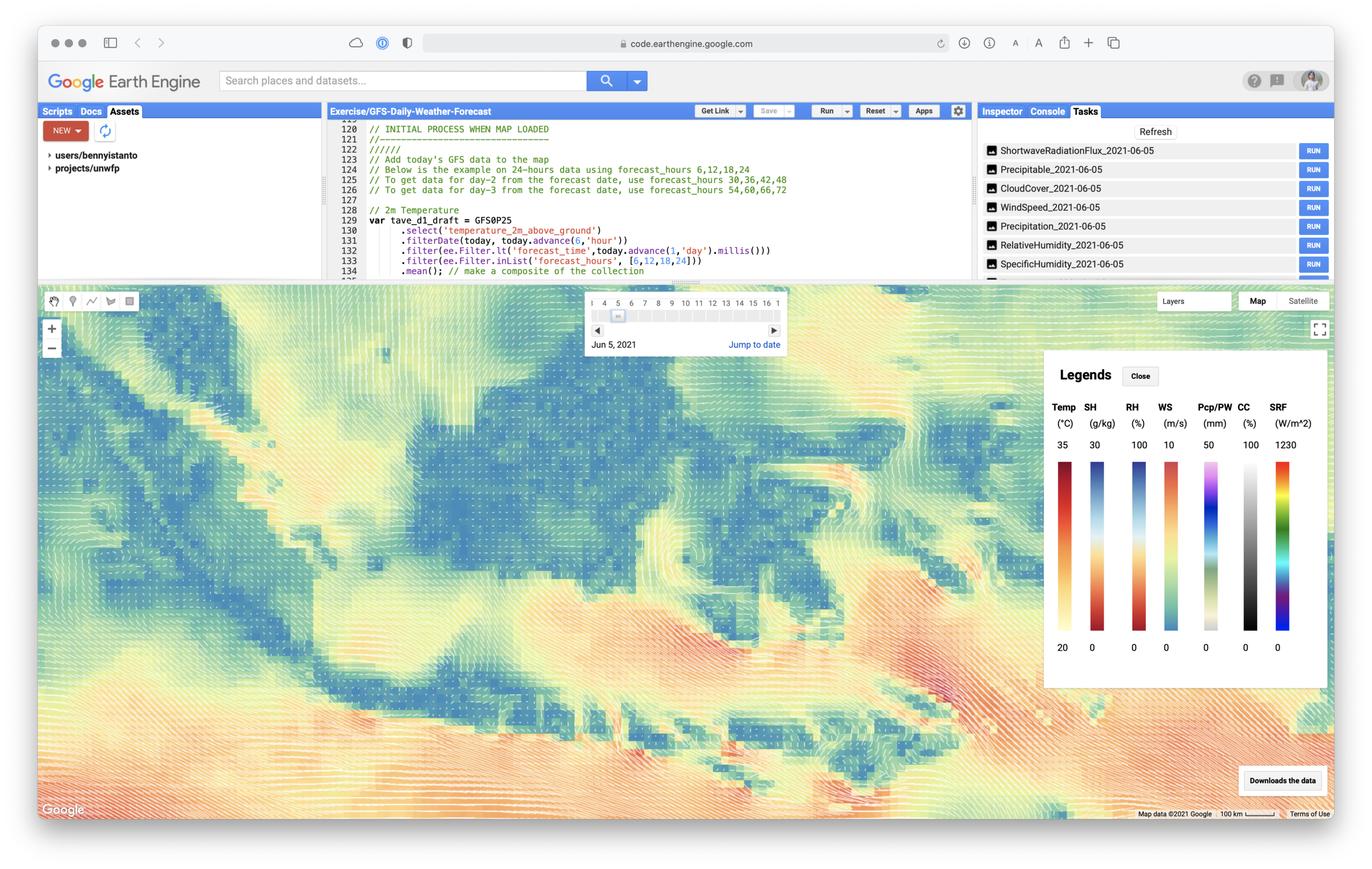
Let’s start write the code. I would like to visualize all the 9-variable of GFS data using GEE.
First step is to define the geographic domain and write the symbology for all variable. Each variable will have different min-max value and palette.
Now set the date and data
Now as the initial process when map loaded, create new variable for each band, select the bands and do filtering based on date and “forecast_hours”. The focus is only grab 1-day forecast, so I will use forecast hours 6,12,18,24.
I will adapt script from Gennadii Donchyts to visualize Wind Direction as a vector.
Next script will be adding all layer to the display.
I am planning to use Date Slider widget, so the user can easily change the date then the map will automatically change. To support that plan, I need to add Reset procedure, so every change on the data, all layers will get refresh.
Let’s add Date Slider configuration to Map.
According to the reference, Date Slider required some arguments: start, end, value, period, onChange, disabled, style
Then the following code will follow to describe the renderDateRange function when the Date Slide onChange is active. The code is similar with initial process when map loaded above..
Next, I would like to add Download button, so user can easily download all the variable and save it into Google Drive for whatever date they choose. The filename convention will be NameOfVariable_YYYY-MM-DD
I would like to display all legend for all layer in a one place. To achieve the goal, I need to define some parameters: position in the panel, widget for each feature (title, unit, min-max value and a vertical ramp color as thumbnail image.
Last configuration will be adding a panel for Legends. As I will display all the legend together, it will take up a space. So activate the panel through the button click are good idea, then I need to add additional button to hide the legend panel if not needed.
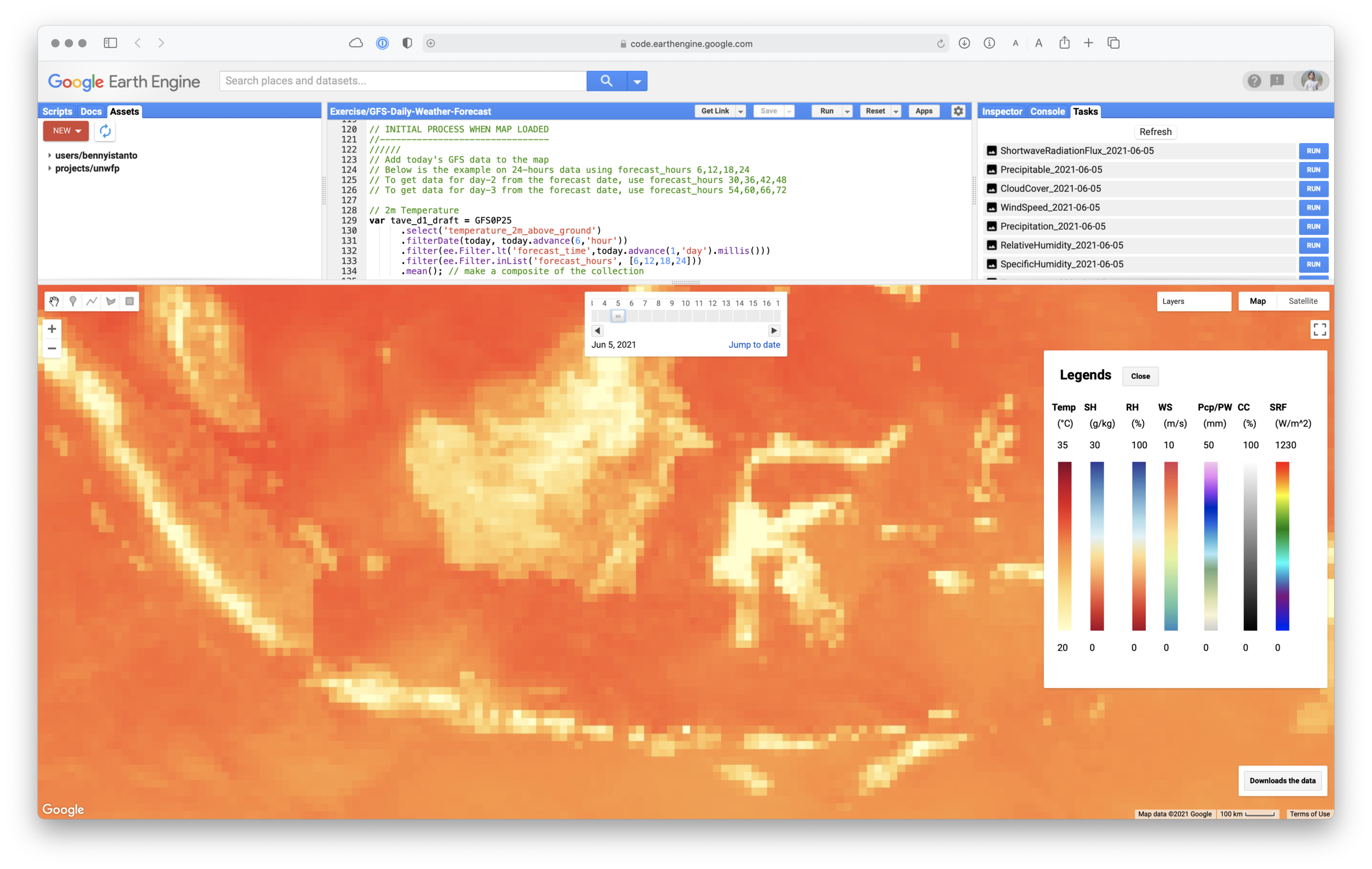
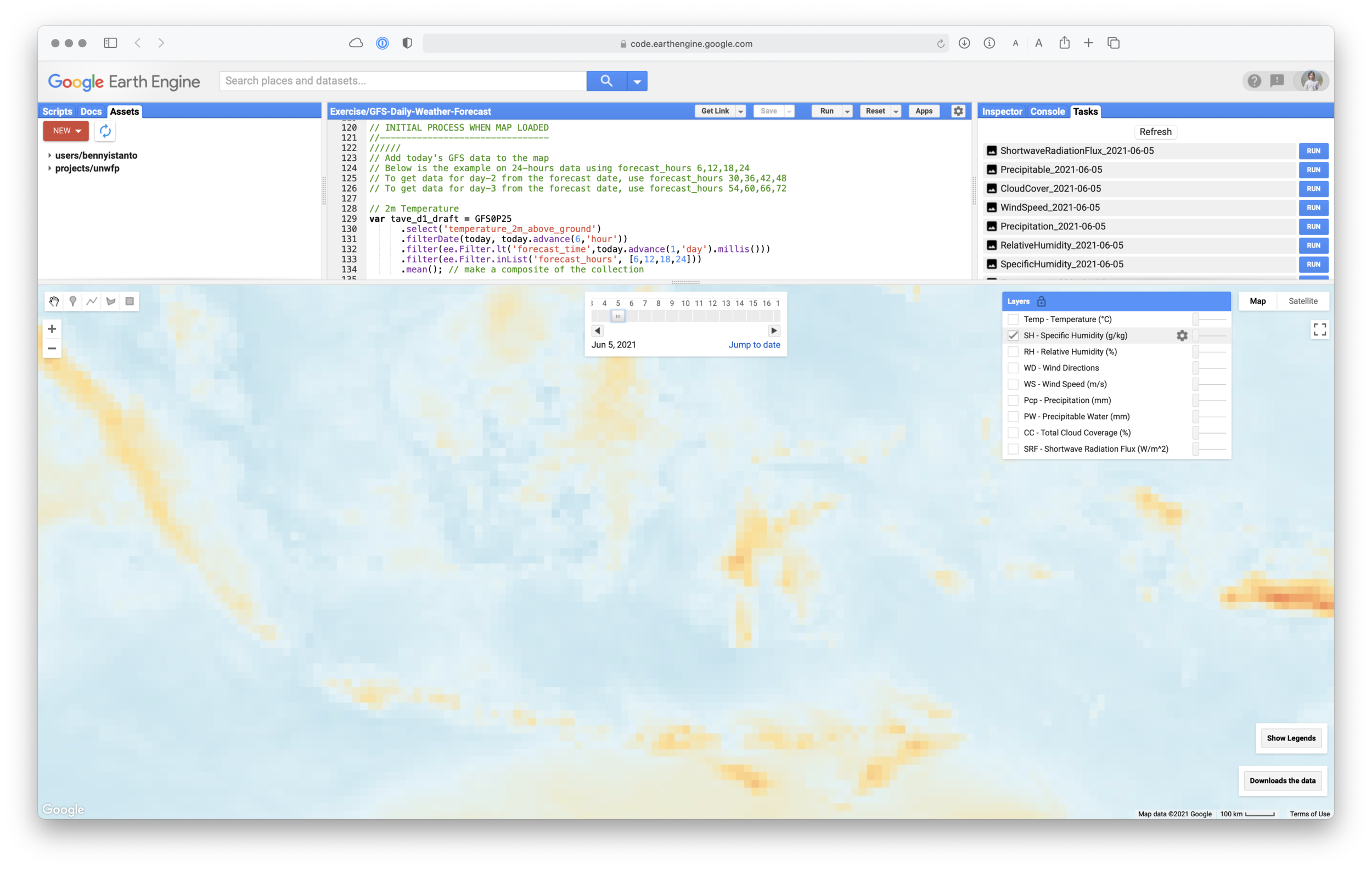
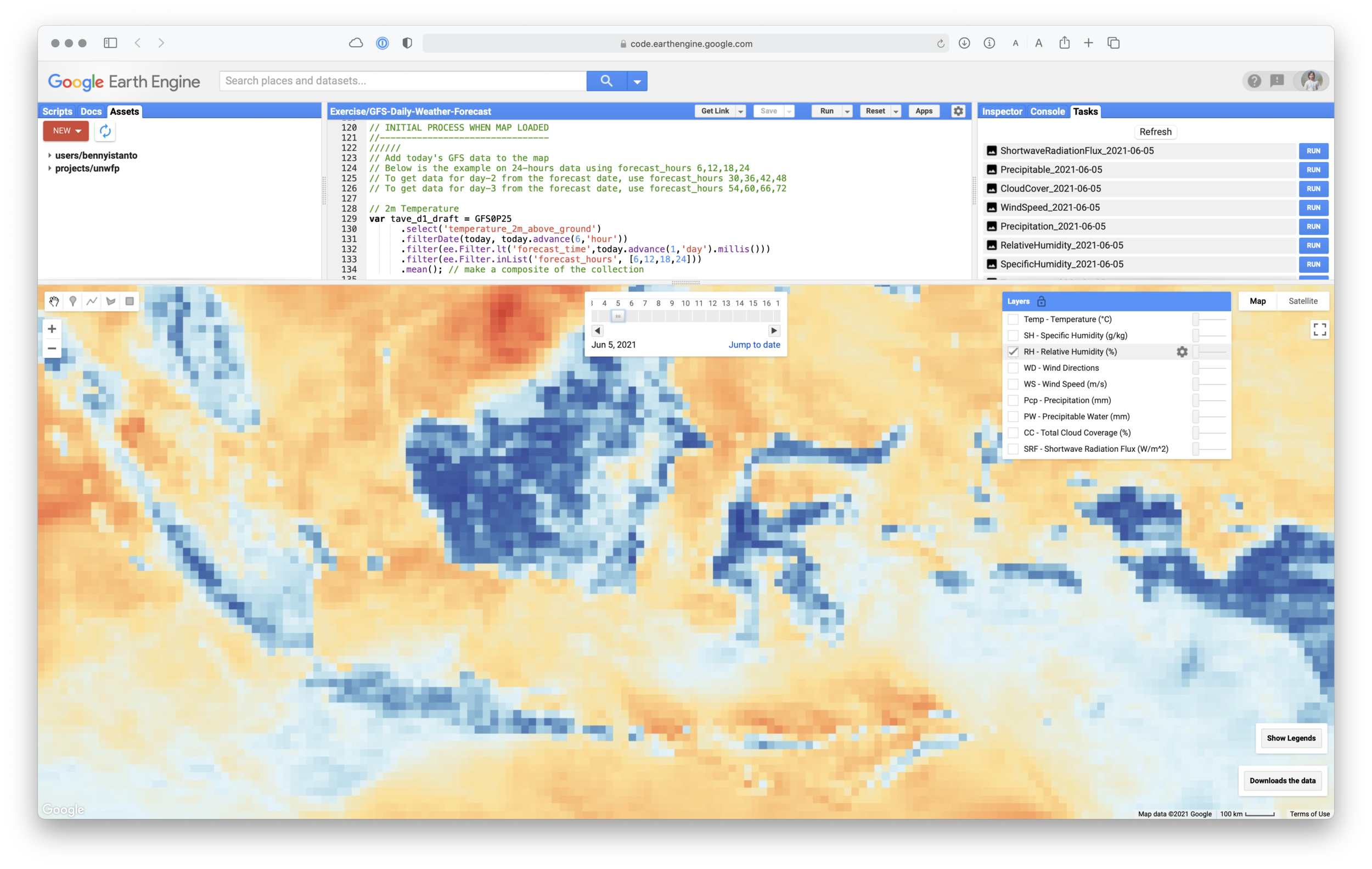
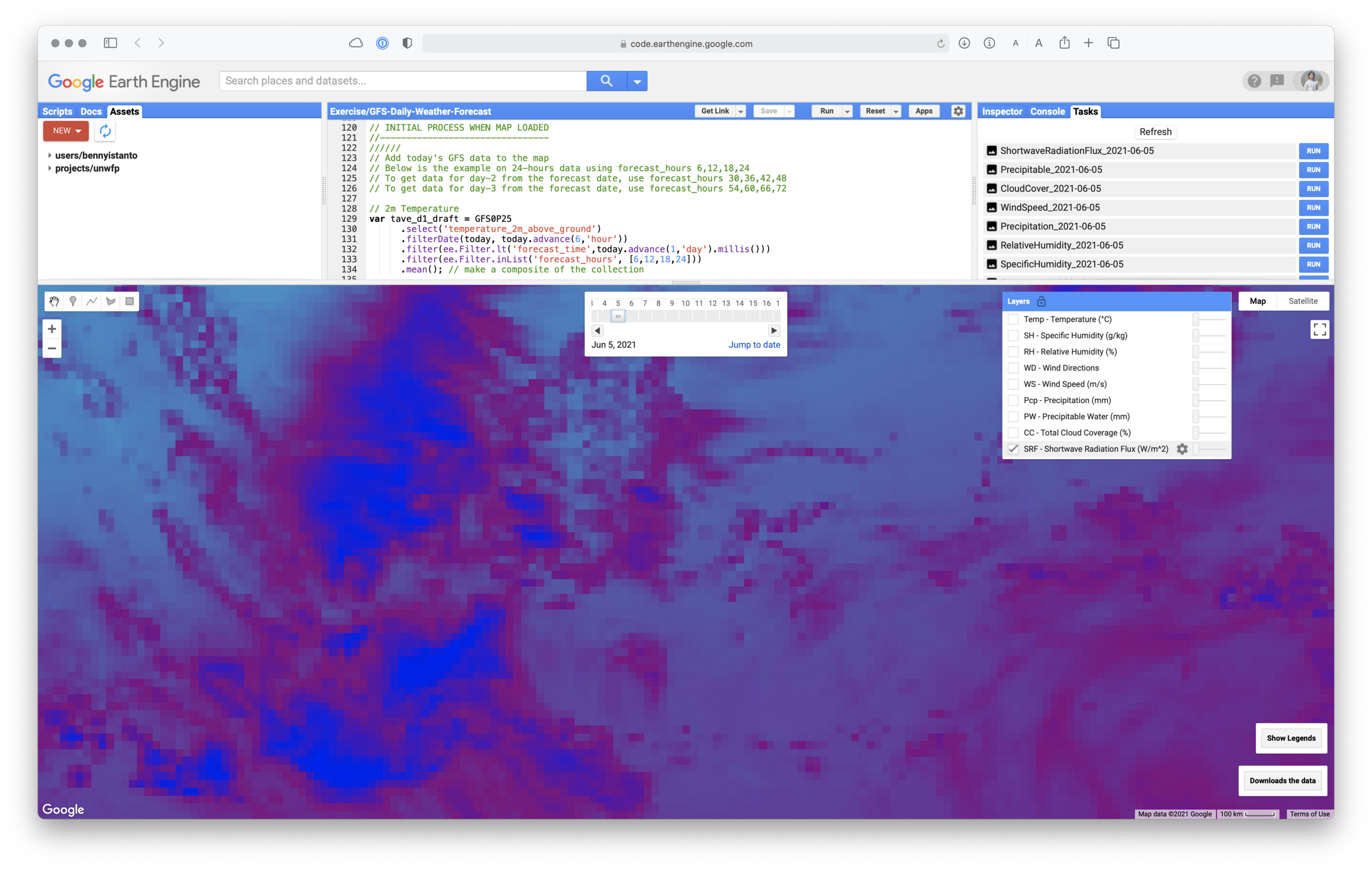
Link for the full code
Notes: The code was compiled from various source (GEE help, GEE Groups, StackExchange)
Back to top