Maximizing Thinkpad T14 Gen 2 AMD
I bought a Thinkpad T14 Gen 2 AMD (released on August 2022) end of December 2023, it’s second hand with mint condition and standard specification (AMD Ryzen™ 7 PRO 5850U Processor with Radeon Graphics, 256GB nvme and 16GB RAM, FHD 14”).
This is my second-owned Thinkpad after the T480, and same as before I also did some upgrades on my T14. Here’s the list of the components:
- T14 Gen 2: 14″, 3840×2160, IPS, 500 nits, 100% Adobe RGB, Anti-glare from https://www.myfixguide.com/store/screen-for-thinkpad-t14/
- 40pin UHD cable from https://www.myfixguide.com/store/lcd-cable-for-t14-gen2/
- 4TB NVMe SSD from https://www.crucial.com/ssd/p3-plus/CT4000P3PSSD8
- 32GB RAM DDR4 SODIMM 3200MHz from https://www.corsair.com/us/en/p/memory/cmsx32gx4m1a3200c22/corsair-high-performance-vengeance-memory-kit-cmsx32gx4m1a3200c22
- WWAN card and the antenna from https://thinkparts.com/products/-4970
I did all the installation myself by following the awesome guideline and use Pro Tech Toolkit https://www.ifixit.com/Store/Tools/Pro-Tech-Toolkit/IF145-307 from IFIXIT.
See some of the picture below:
[caption id=“” align=“alignnone” width=“3333”]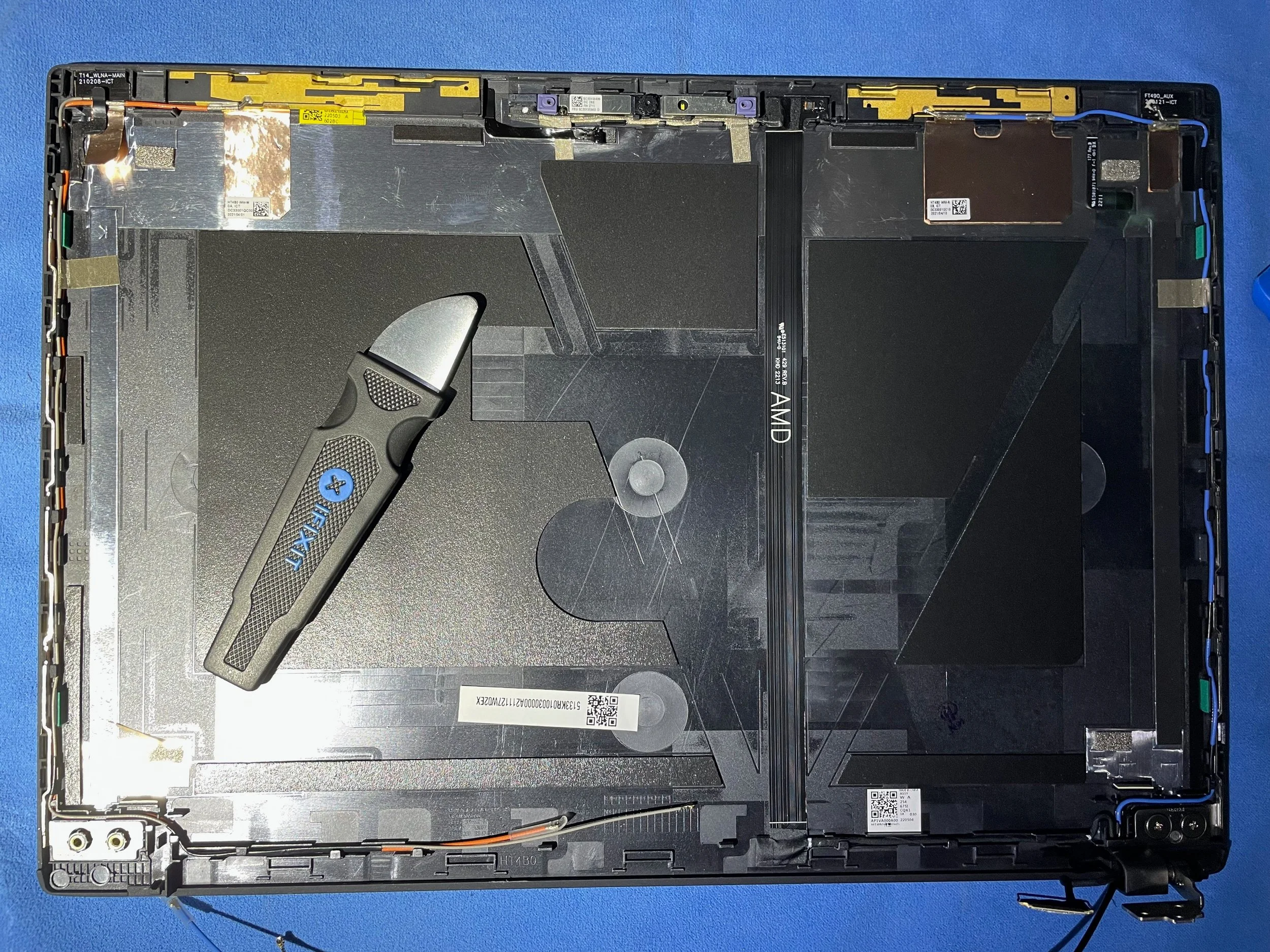 Remove the old screen and install the WWAN antenna [/caption] [caption id=“” align=“alignnone” width=“3333”]
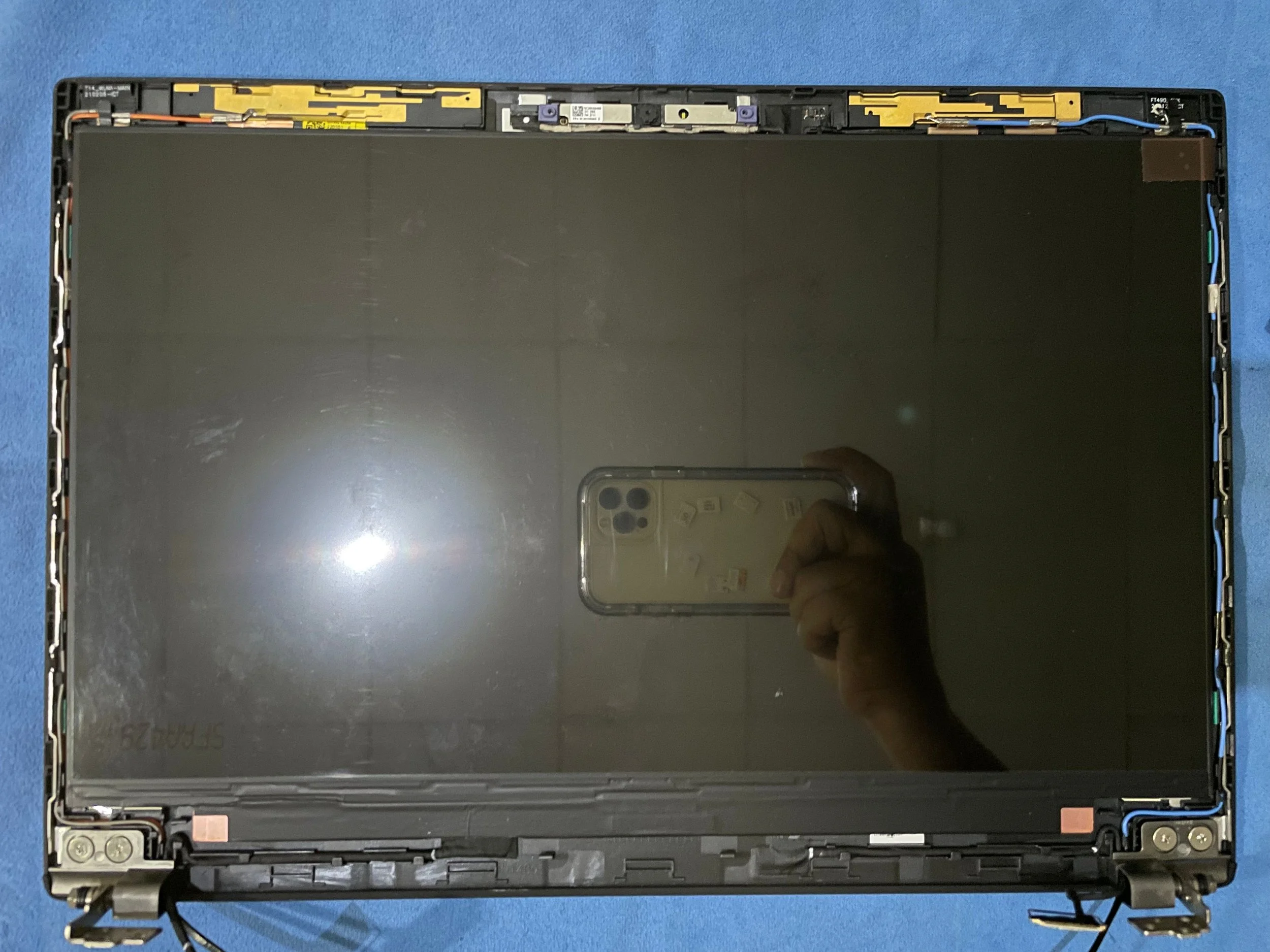 Install the new screen [/caption] [caption id=“” align=“alignnone” width=“3333”]
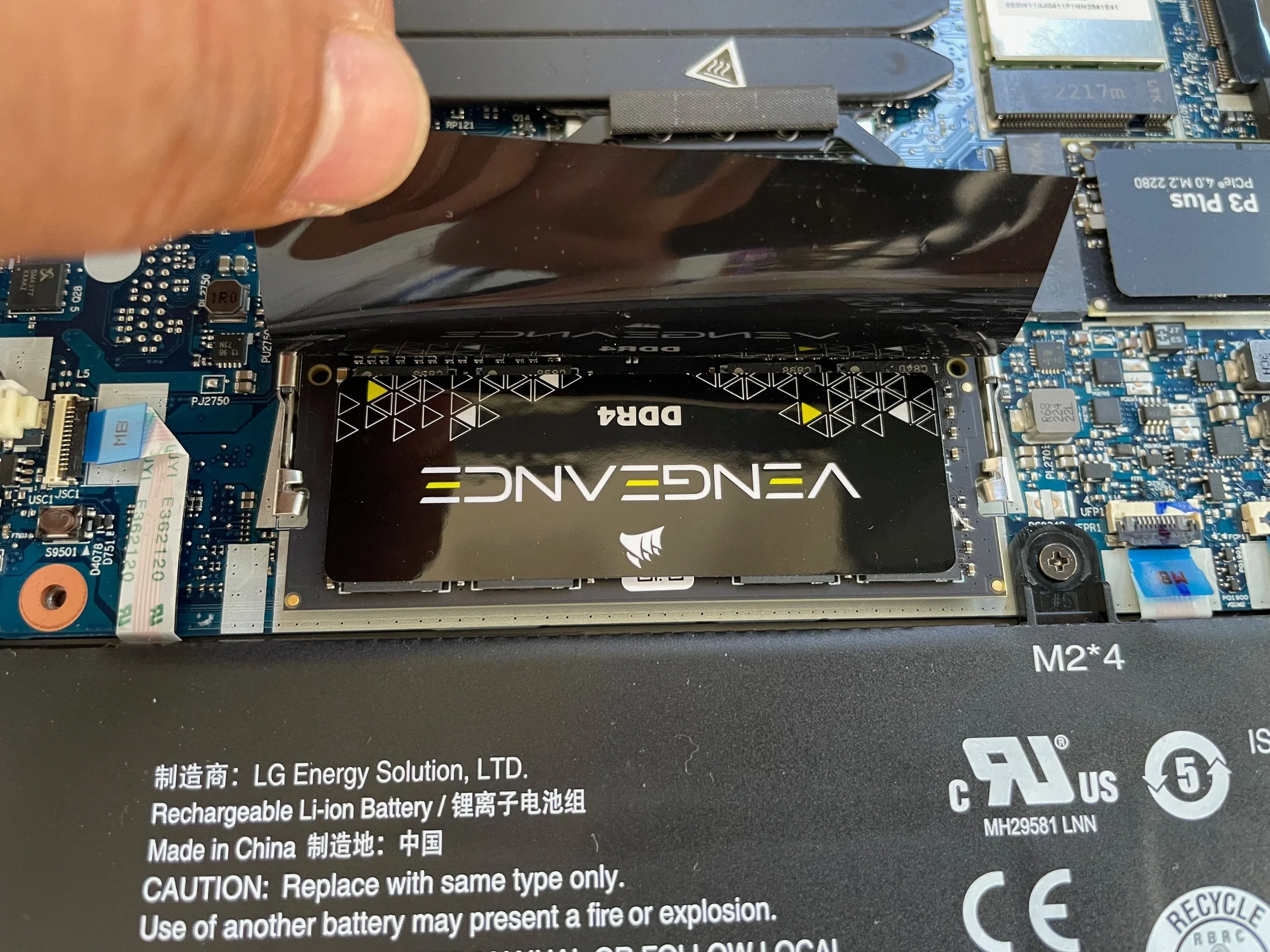 Put the memory in the free slot [/caption] [caption id=“” align=“alignnone” width=“3333”]
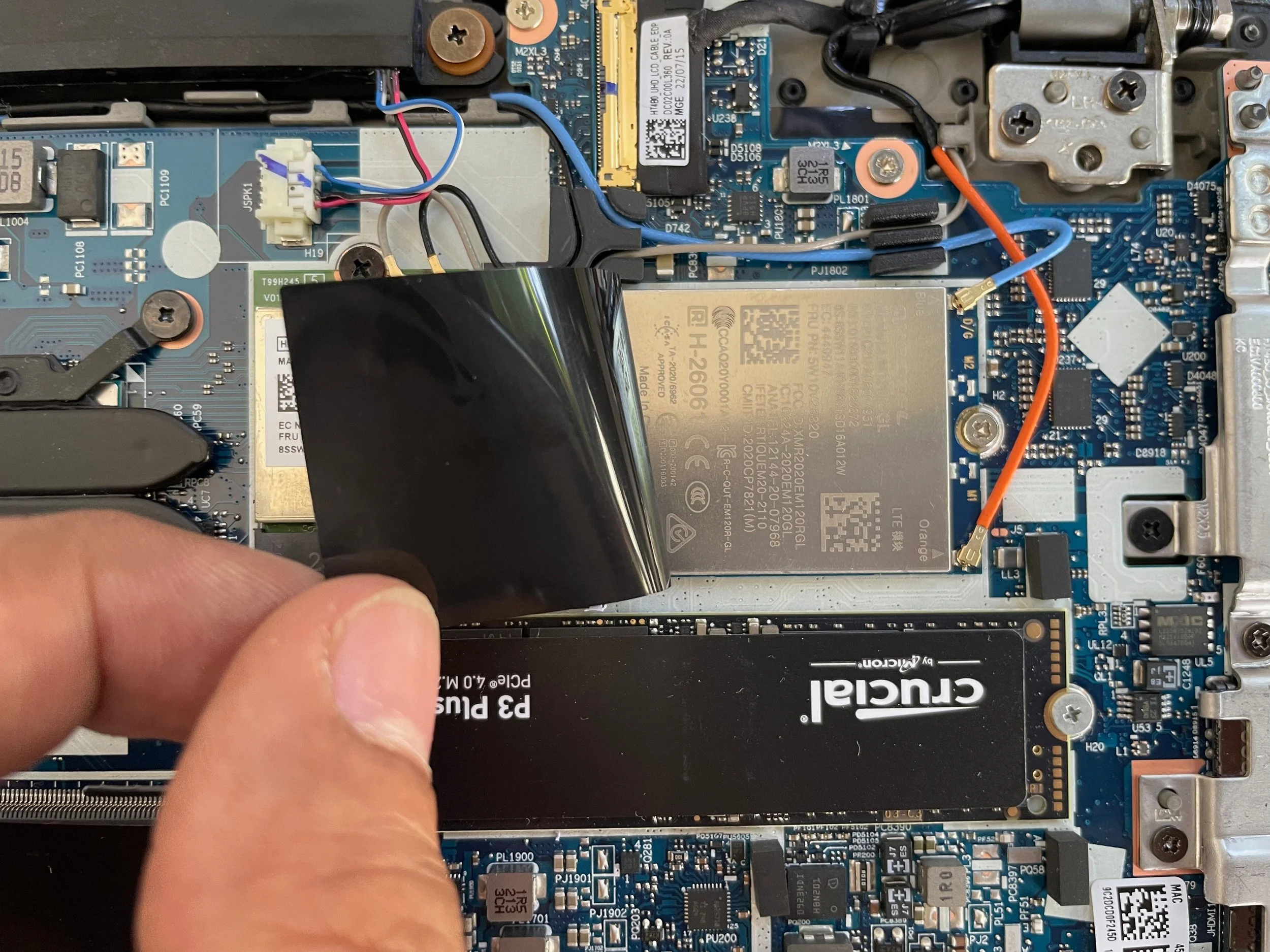 Replace the old SSD with new one, and put the WWAN card in place and antenna cable too [/caption] [caption id=“” align=“alignnone” width=“4032”]
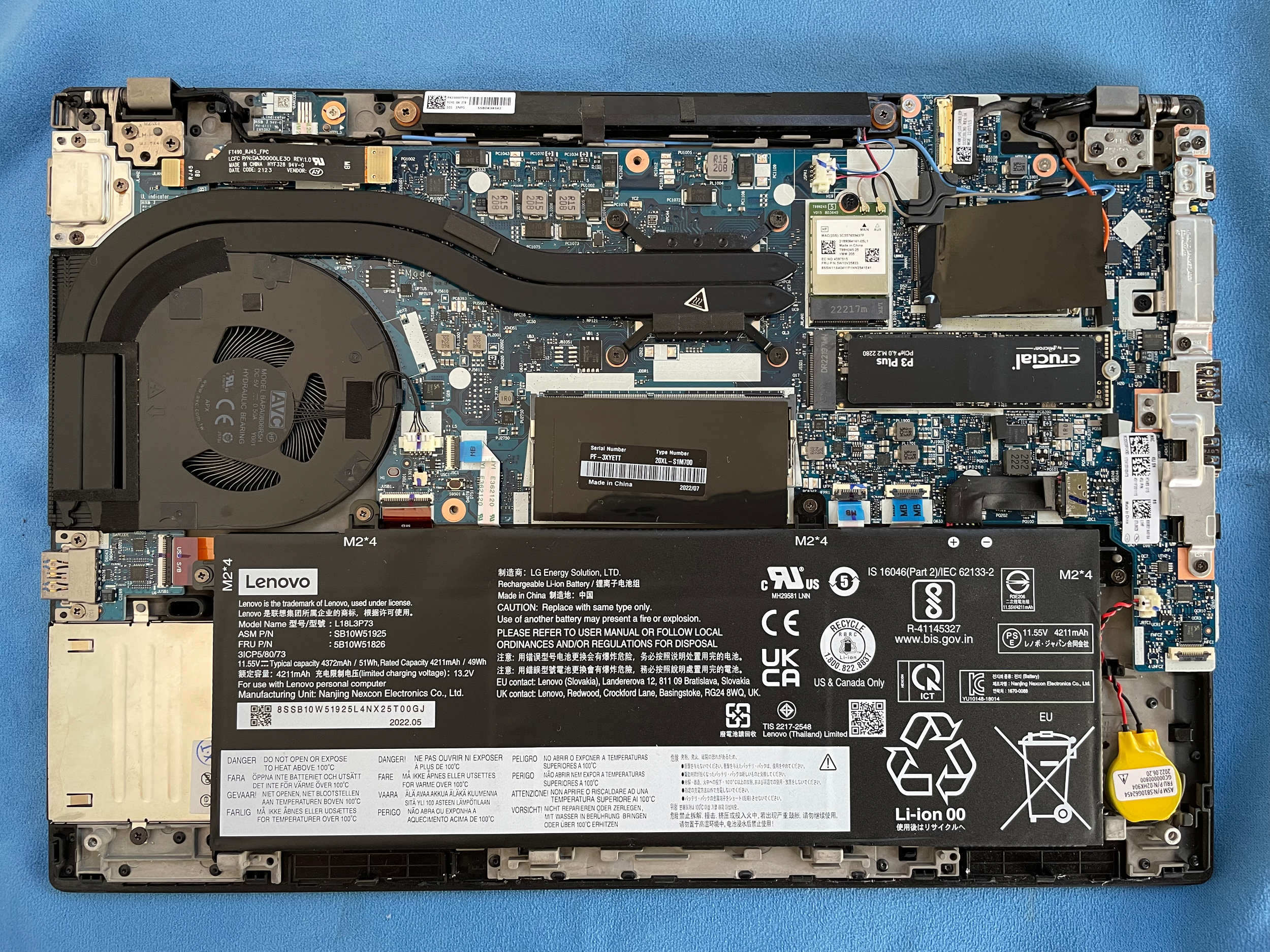 This is the machine with upgrades [/caption] [caption id=“” align=“alignnone” width=“3024”]
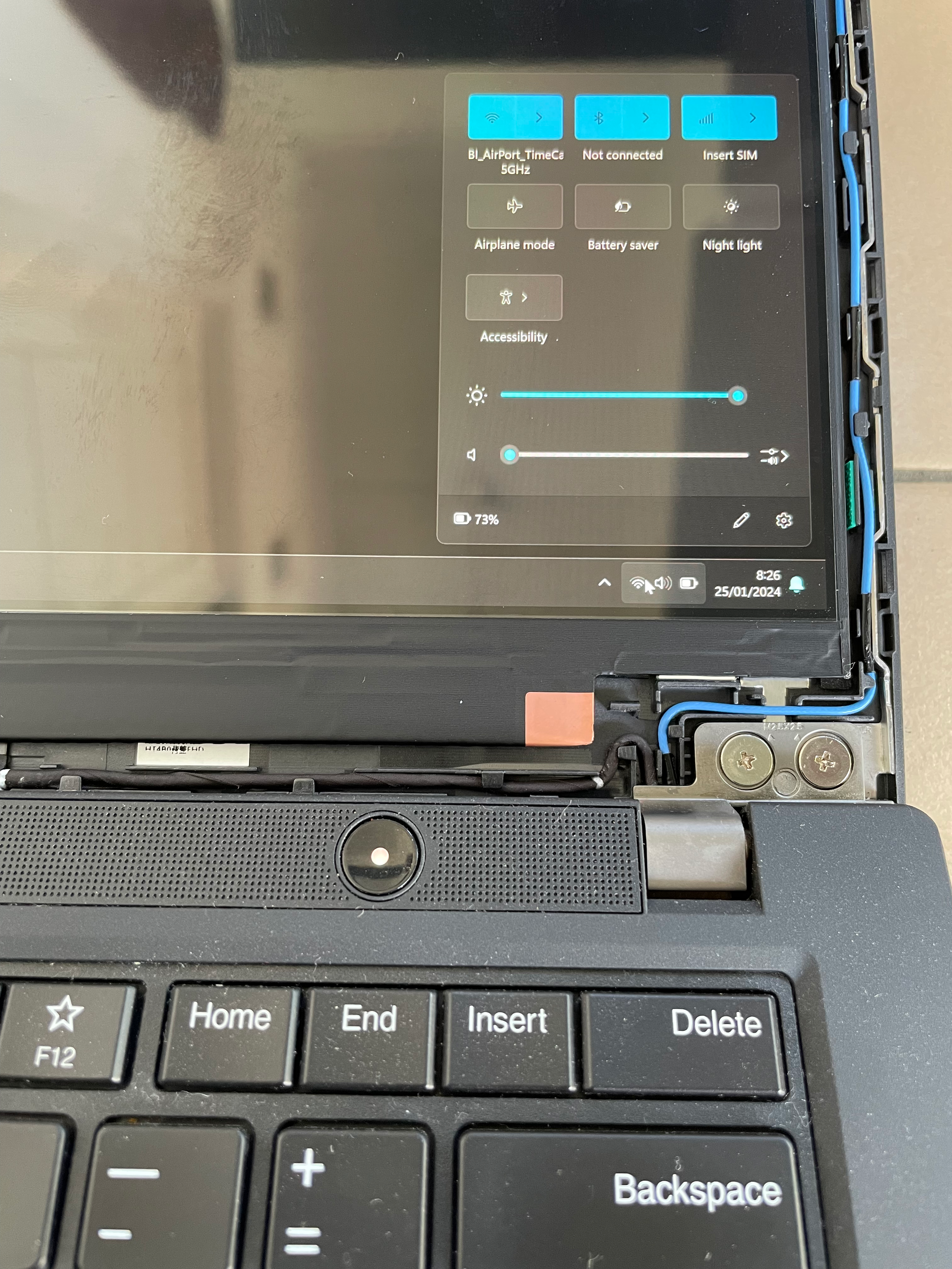 Look, the Cellular connection is available now [/caption] [caption id=“” align=“alignnone” width=“3024”]
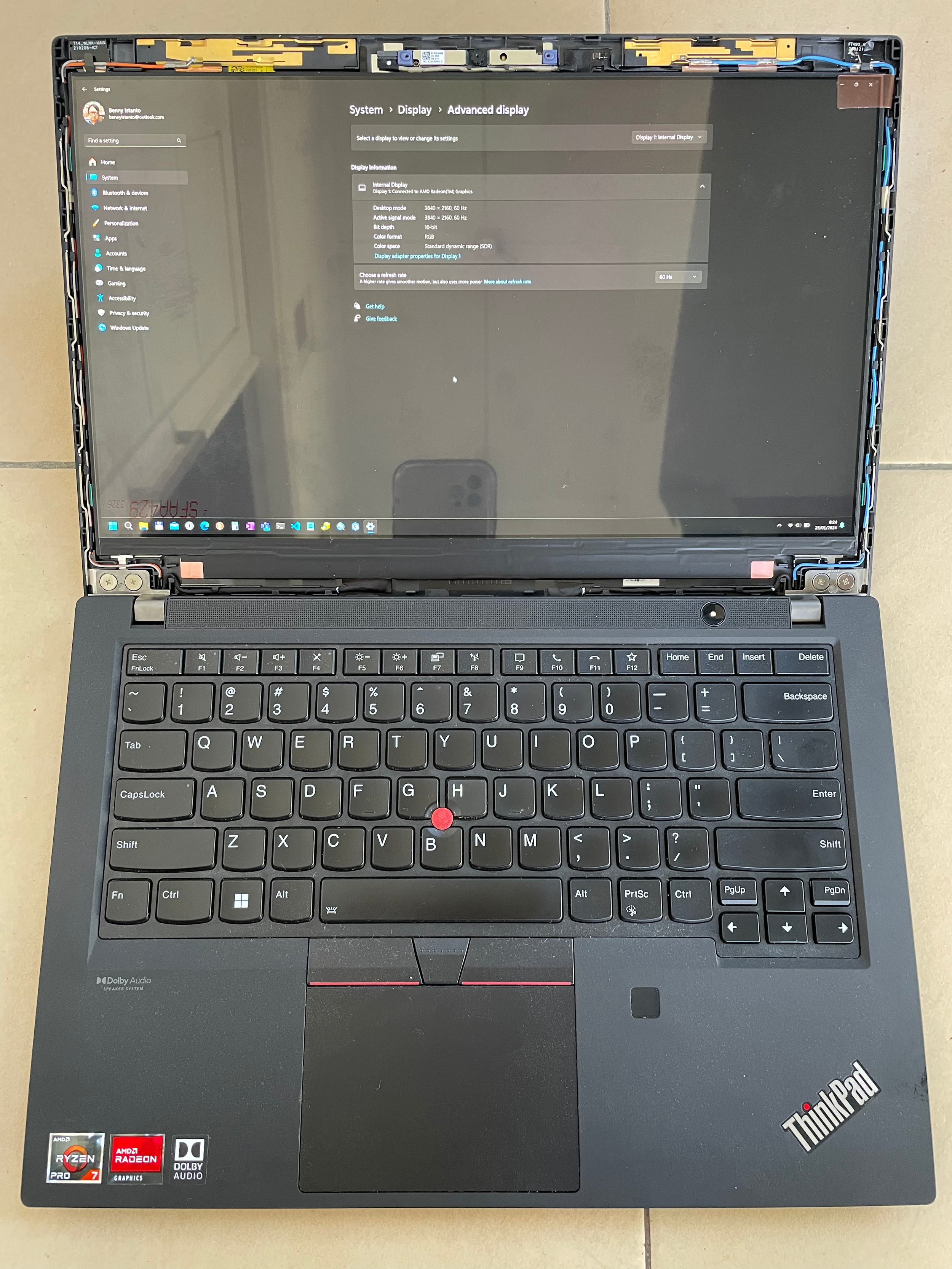 The new 4K screen is on and I just need to install the bezel 😎 [/caption]